W Wiretalk Docs
Self-serve setup Full platform docs

Build with Wiretalk

Embed live chat, automate replies with AI, run your agent inbox, connect omnichannel messaging, and integrate webhooks — everything your team needs to launch support without opening a ticket.

Wiretalk chat widget on a website

Platform capabilities

Wiretalk combines visitor chat, help desk operations, and developer tools in one stack. Pick a module below or follow the quick checklist to go live.

Live chat widget

Embed on any site in minutes

Add one script before </body>, customize the launcher, welcome card, and pre-chat form, then restrict loading to your allowed domains.

  • Real-time socket messaging
  • Themes, languages & branding
  • Voice, video, screen share & group meetings
Read embed guide
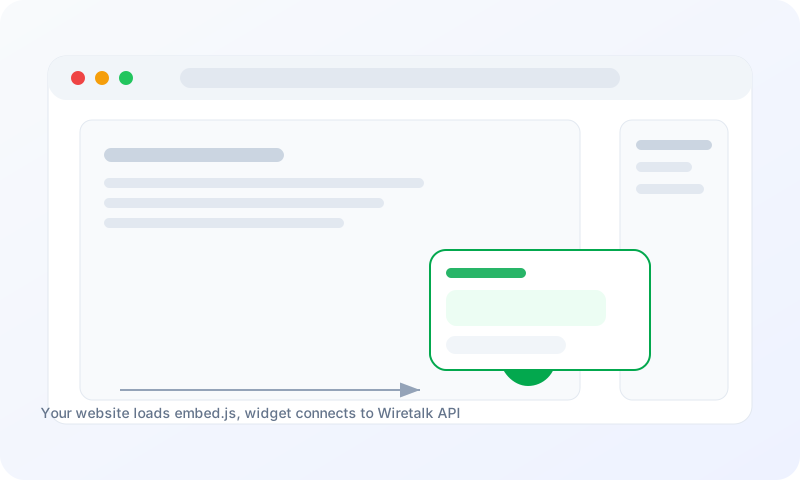
Wiretalk widget embed flow diagram
Agent workspace

One inbox for your whole team

Agents reply from a fast dashboard with visitor context, canned responses, ticketing, CSAT reviews, and live performance metrics — no tab switching.

  • Live visitor monitor & profiles
  • Help desk tickets & SLA
  • Team performance analytics
Explore agent dashboard
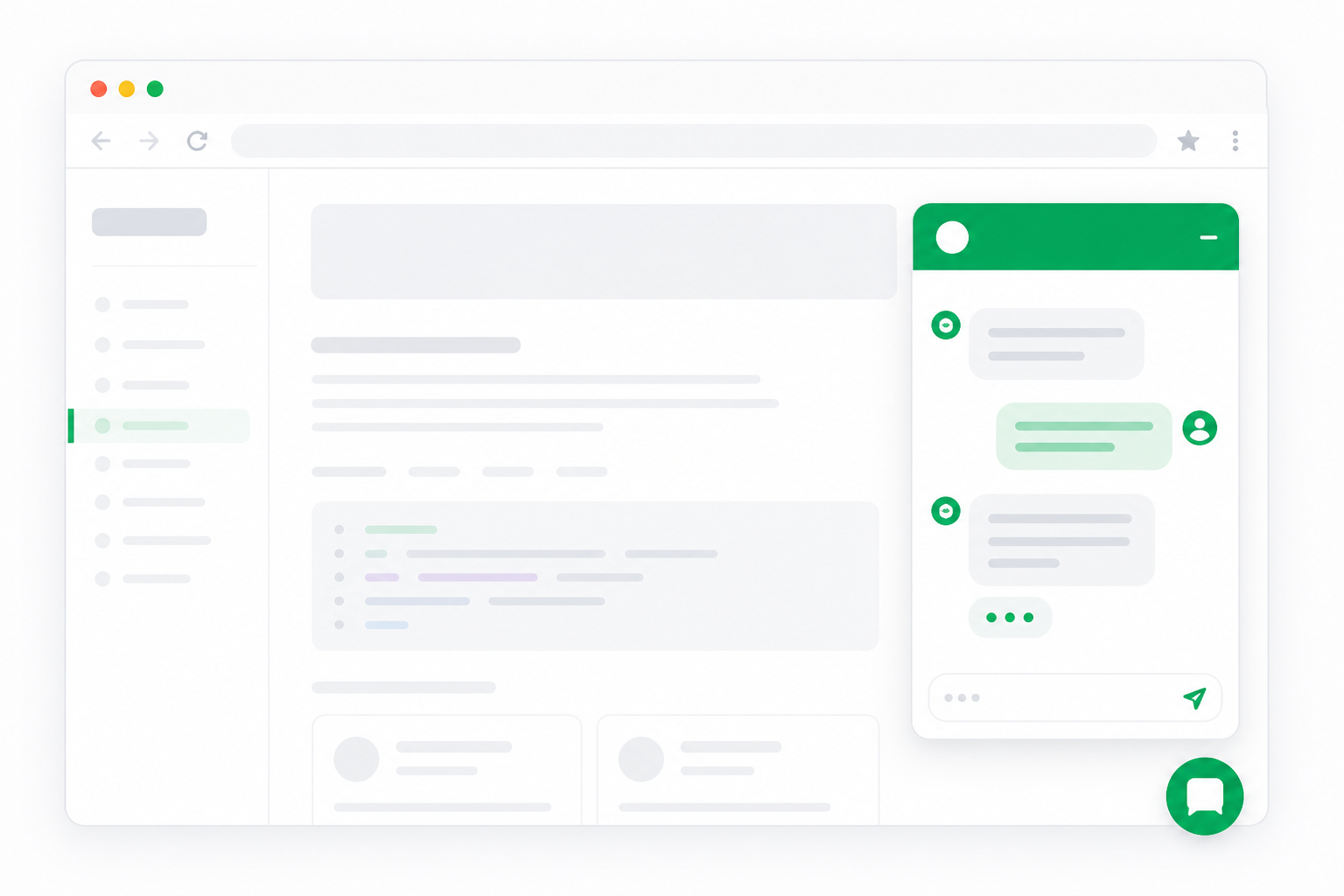
Wiretalk agent dashboard and website widget

Widget & embed

Automation

Agent platform

Channels & billing

Developers

Quick checklist

Four steps from signup to production. Each link opens the relevant guide.

1

Create a Wiretalk account

Register, finish the setup wizard, then open Widget Settings to copy your widget key and customize the launcher.

2

Embed the widget

Paste the embed snippet before </body> on every page where you want chat. Test on staging first, then deploy to production.

Widget embed flow
3

Configure automation

Reduce repetitive questions with bot templates, AI drafts, or live data lookup from your own APIs and databases.

4

Go live

Lock the widget to your allowed domains, invite agents, set business hours, and monitor your first conversations from the live dashboard.